>>> MY PROGRAMS <<<
ONLINE VERSIONS:
DESKTOP VERSION (for Microsoft Windows):
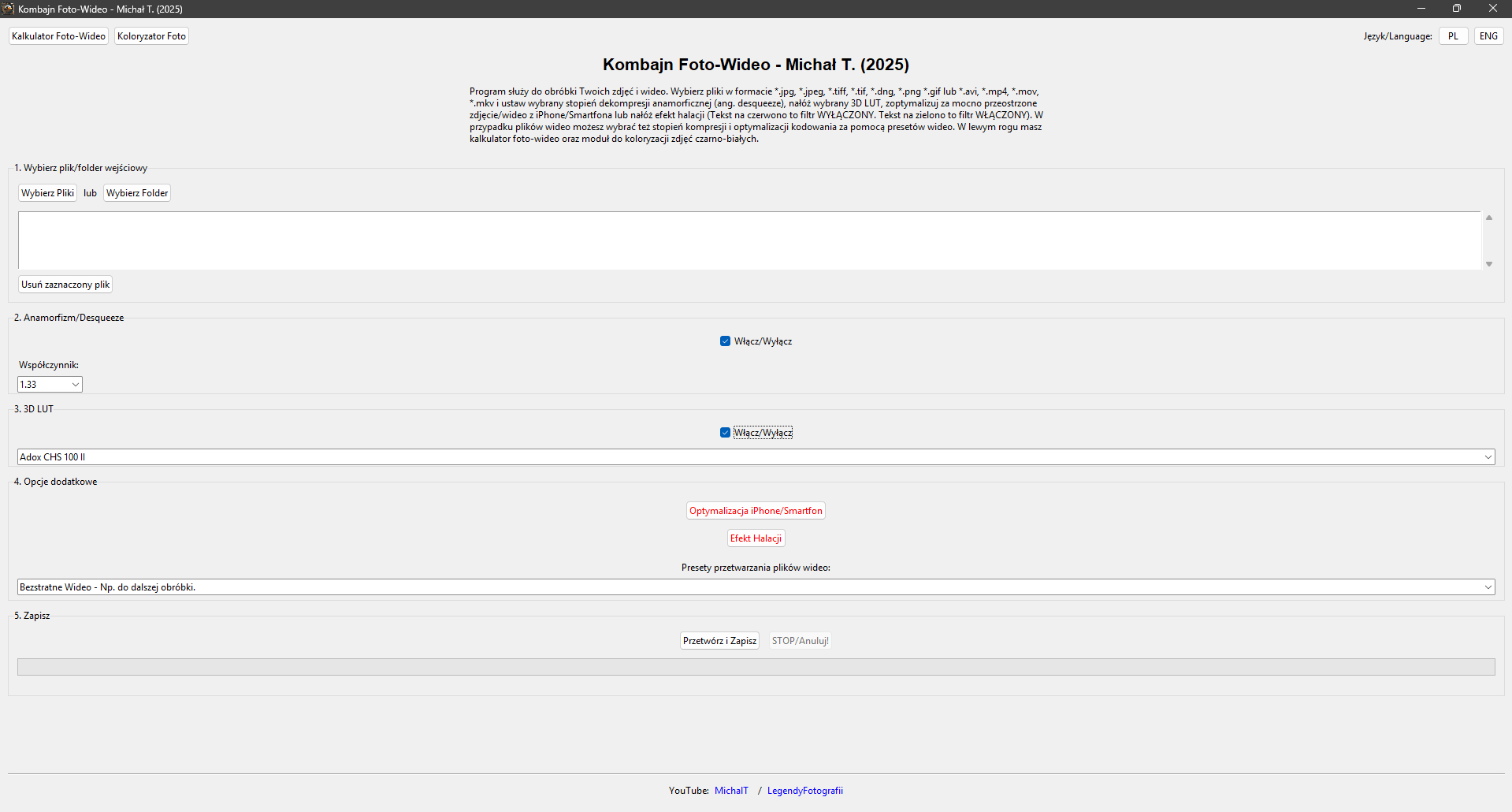
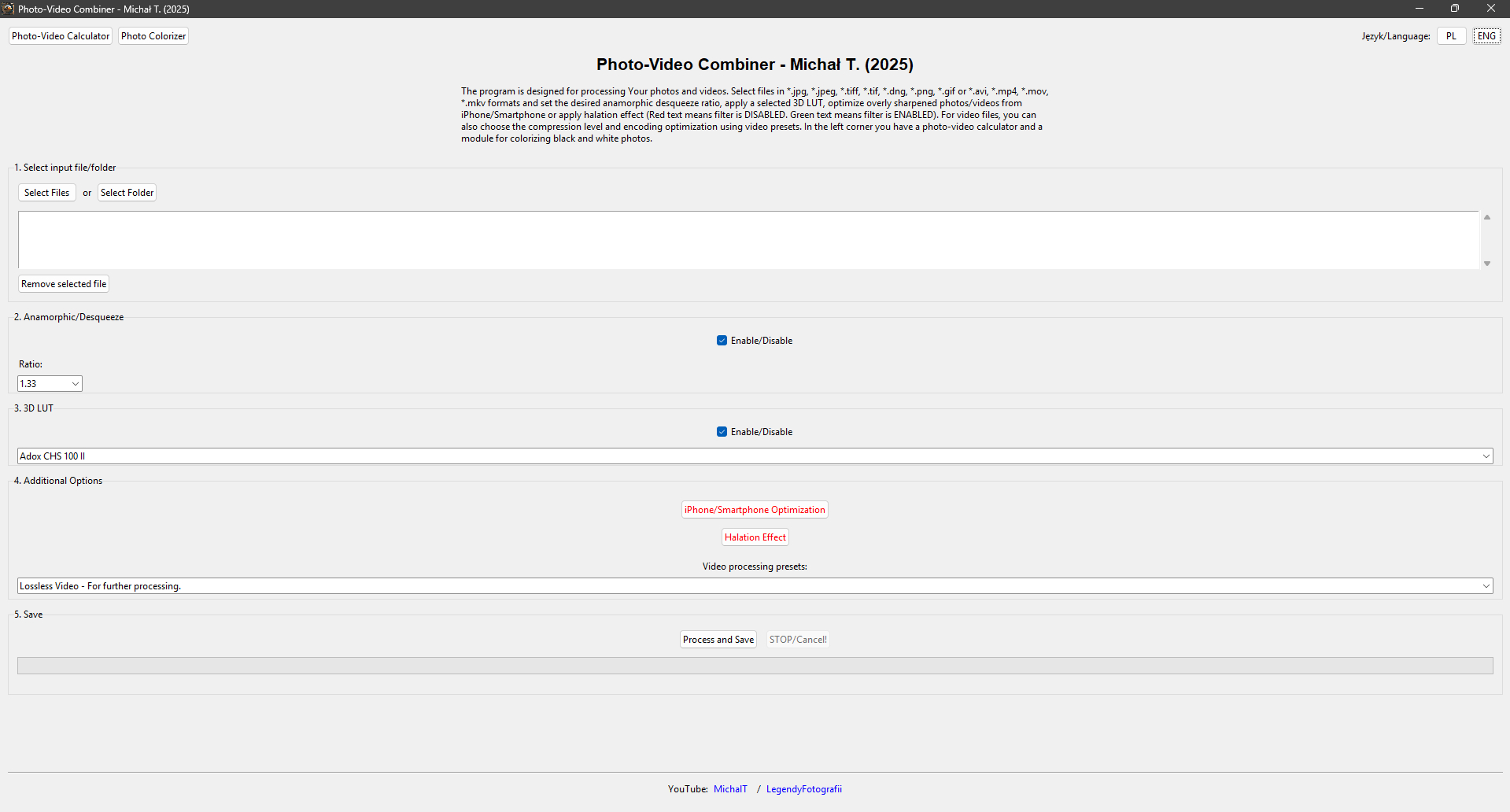
PHOTO-VIDEO COMBINE
Discover the power of professional photo and video editing in one, intuitive program! Photo-Video Combine is a versatile tool created for photography and video enthusiasts who want to easily improve the quality of their multimedia works.
With my program you can:
- - Process various file formats - easily process photos in JPG, JPEG, TIFF, TIF, DNG, PNG, GIF formats and videos in AVI, MP4, MOV, MKV formats.
- - Correct anamorphic proportions - the perfect solution for recordings with anamorphic lenses that require appropriate image stretching.
- - Apply professional LUT profiles - give your photos and videos a cinematic character thanks to built-in 3D LUT color profiles.
- - Optimize materials from iPhone and smartphones - say goodbye to excessive sharpening characteristic of mobile devices!
- - Add halation effect - introduce magical glow inspired by classic analog photography to your photos and videos.
- - Choose from video presets - use ready-made compression and optimization settings, tailored to different types of materials - from films to animations.
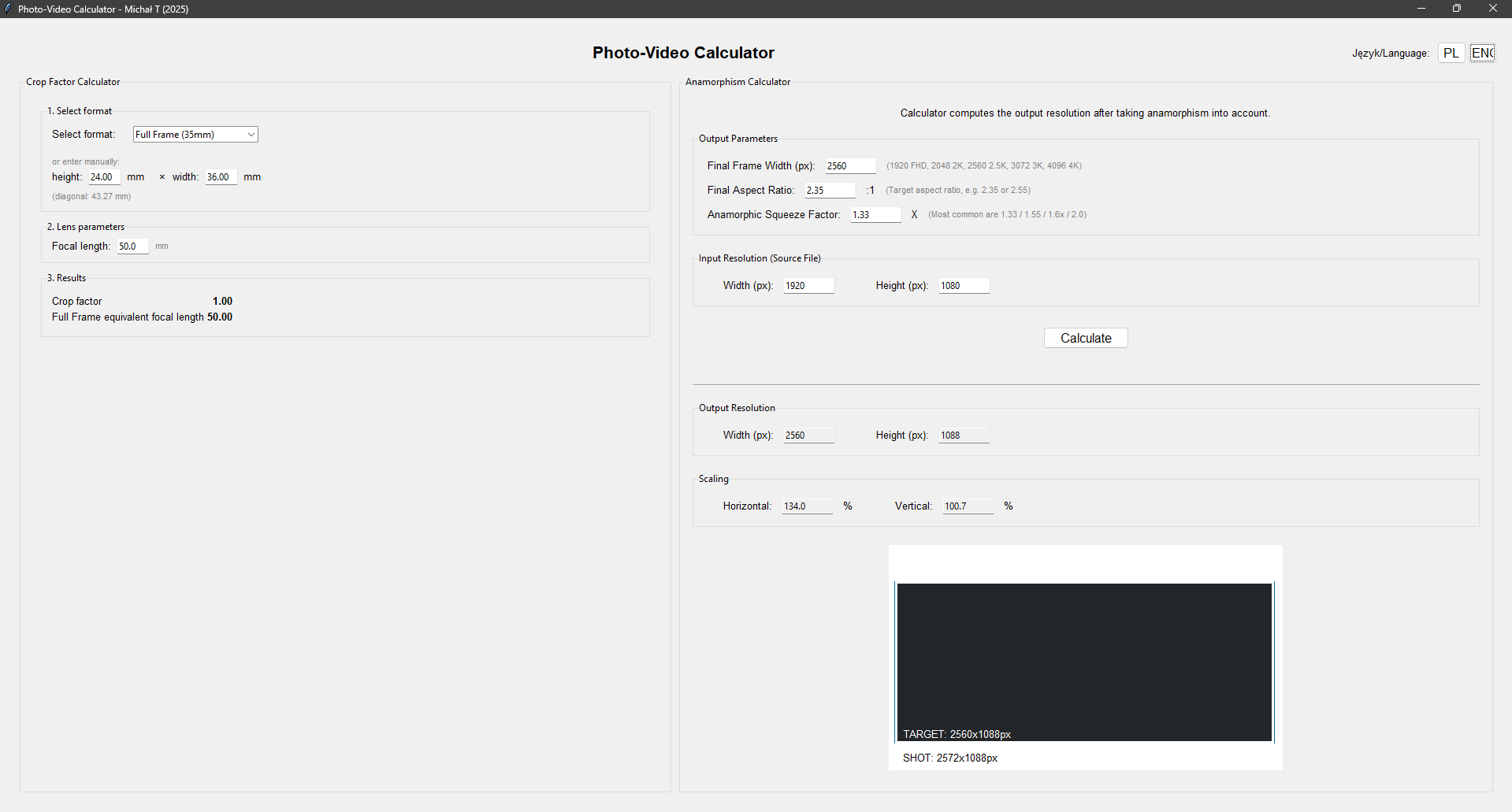
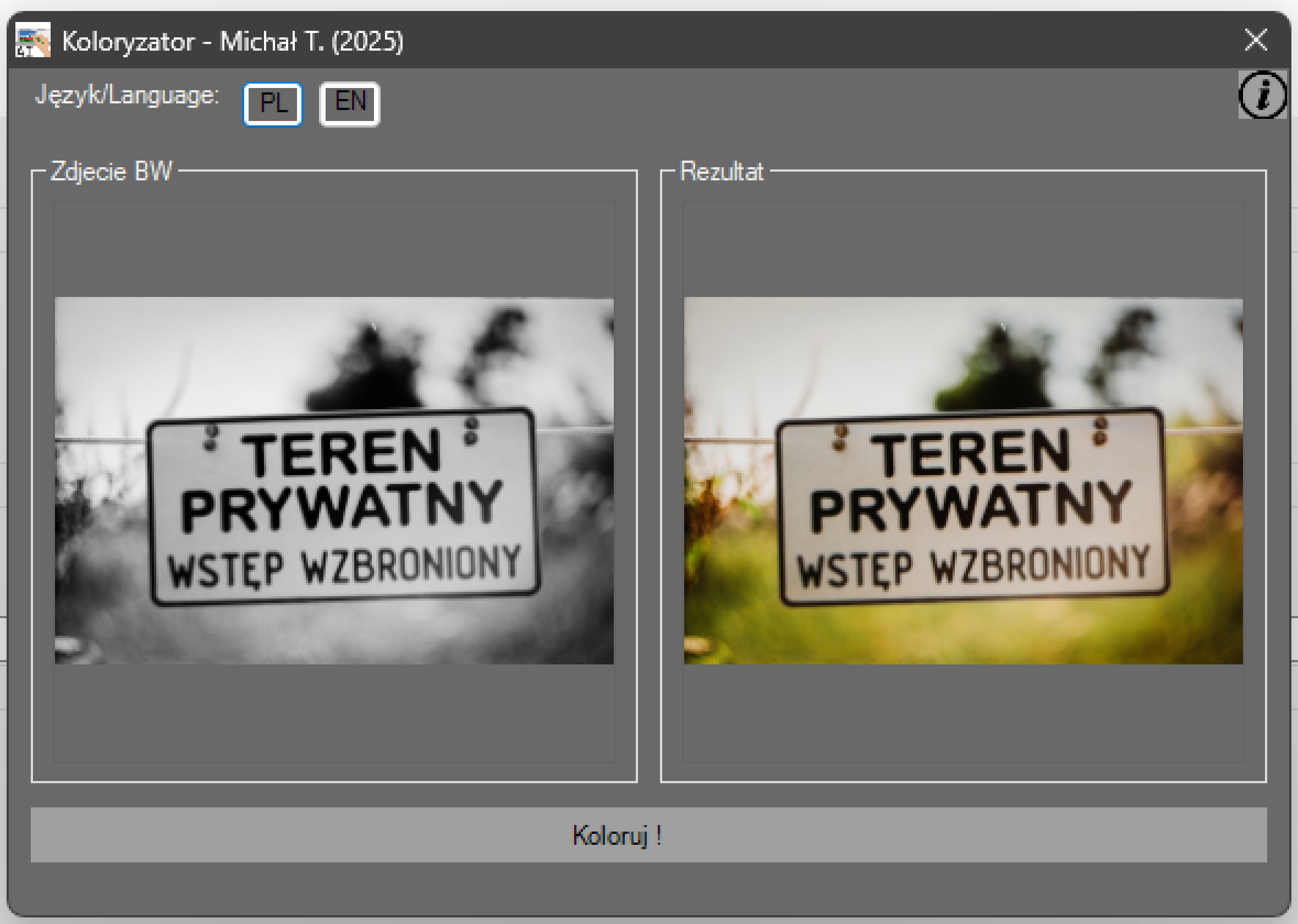
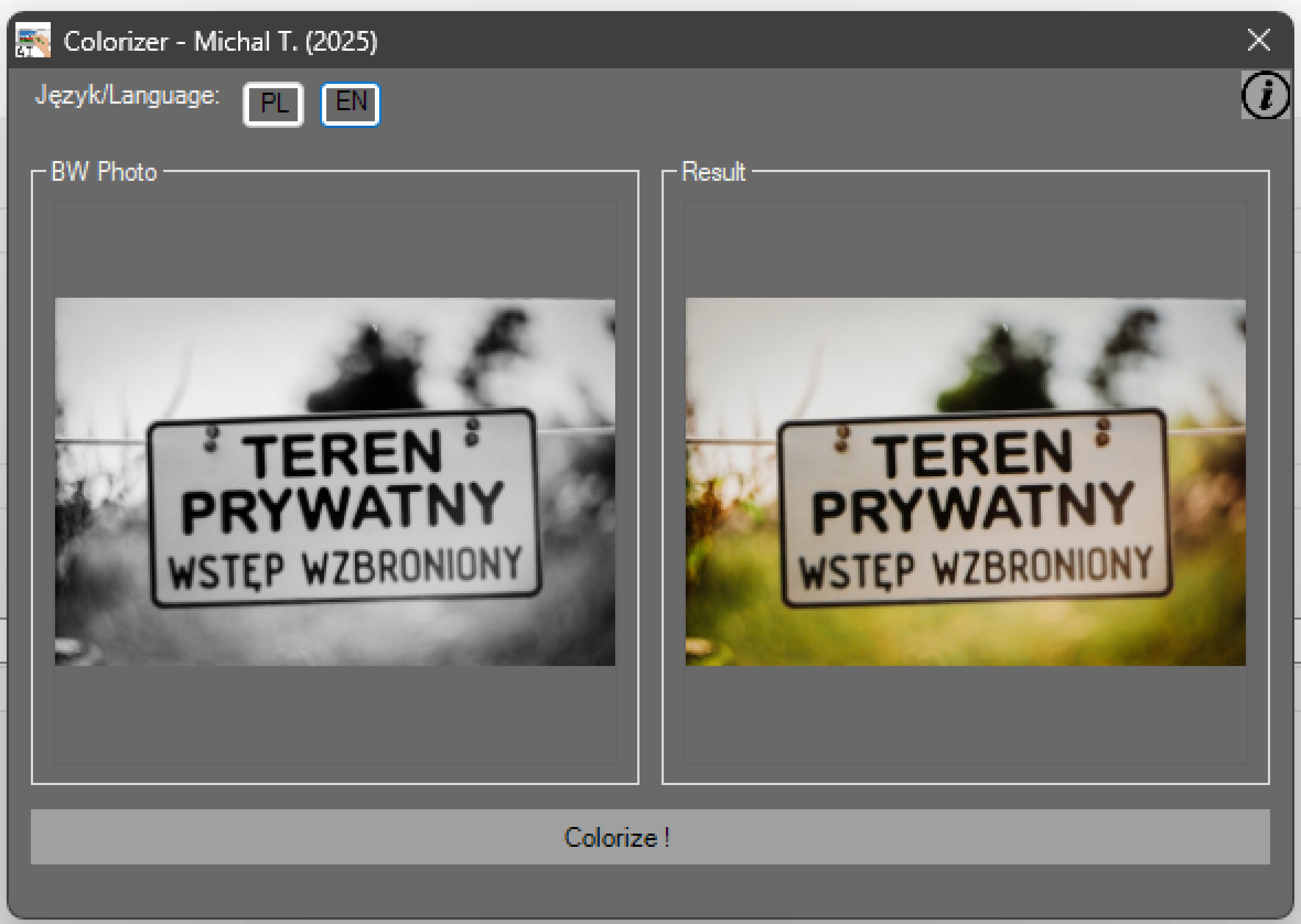
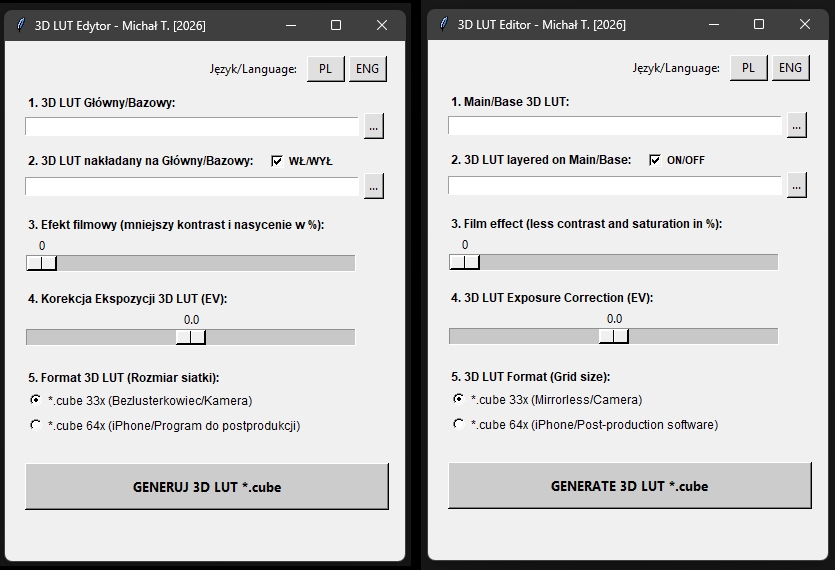
My program also offers convenient features such as drag and drop files, a simple interface available in two languages (Polish and English). Additionally, an integrated photo-video calculator, a module for colorizing black and white photos and 3D LUT Editor.
Don't wait any longer - transform your ordinary photos and recordings into professional works of art with Photo-Video Combine!
Program hardware requirements:
- Processor (Minimum): Intel i5 (8-gen) / AMD Ryzen 5 / 4 cores 8 threads
- Processor (Recommended): Intel i7 (9-gen) / AMD Ryzen 7 / 8 cores 16 threads (and more), AVX2 and newer...
- RAM (Minimum): 16GB DDR4
- RAM (Recommended): 32GB+ DDR5
- iGPU: Intel HD Graphics 620 / AMD Radeon
- System: Windows 10 64 Bit (version 1903 or newer), Windows 11.
I wrote this program in the Python programming language. The program interface is natively in Polish, but there is an option to switch to English.
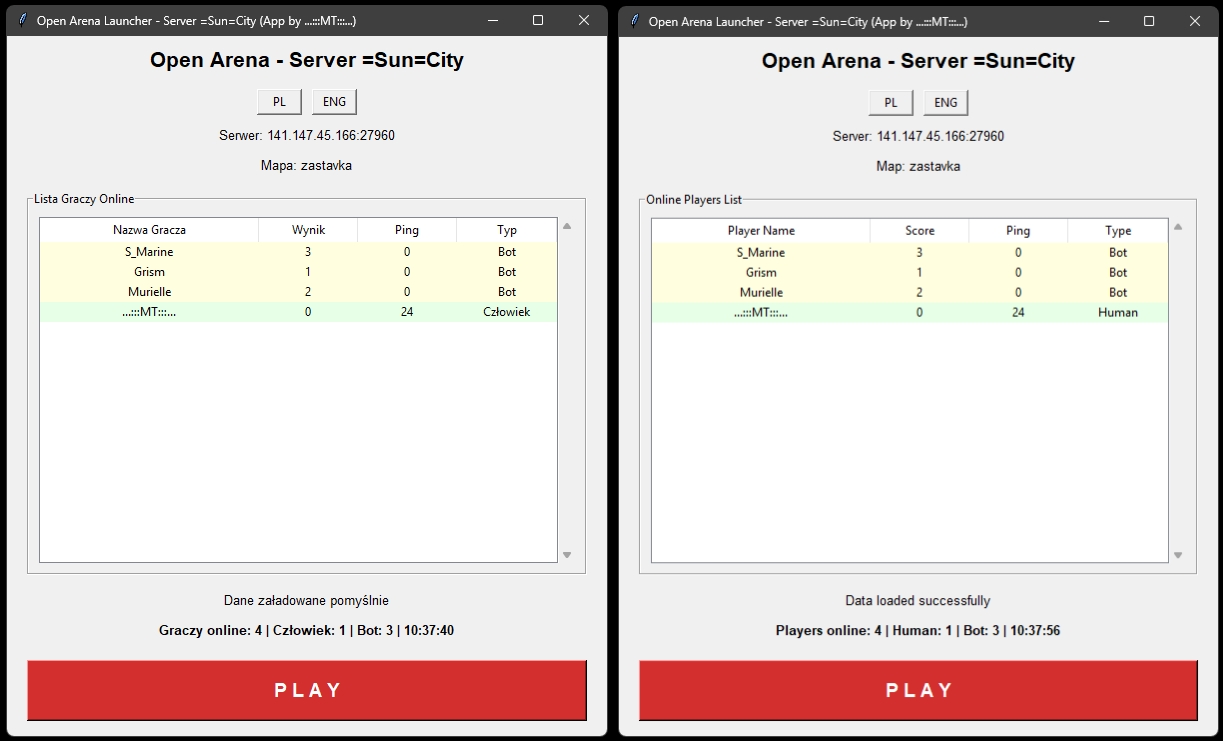
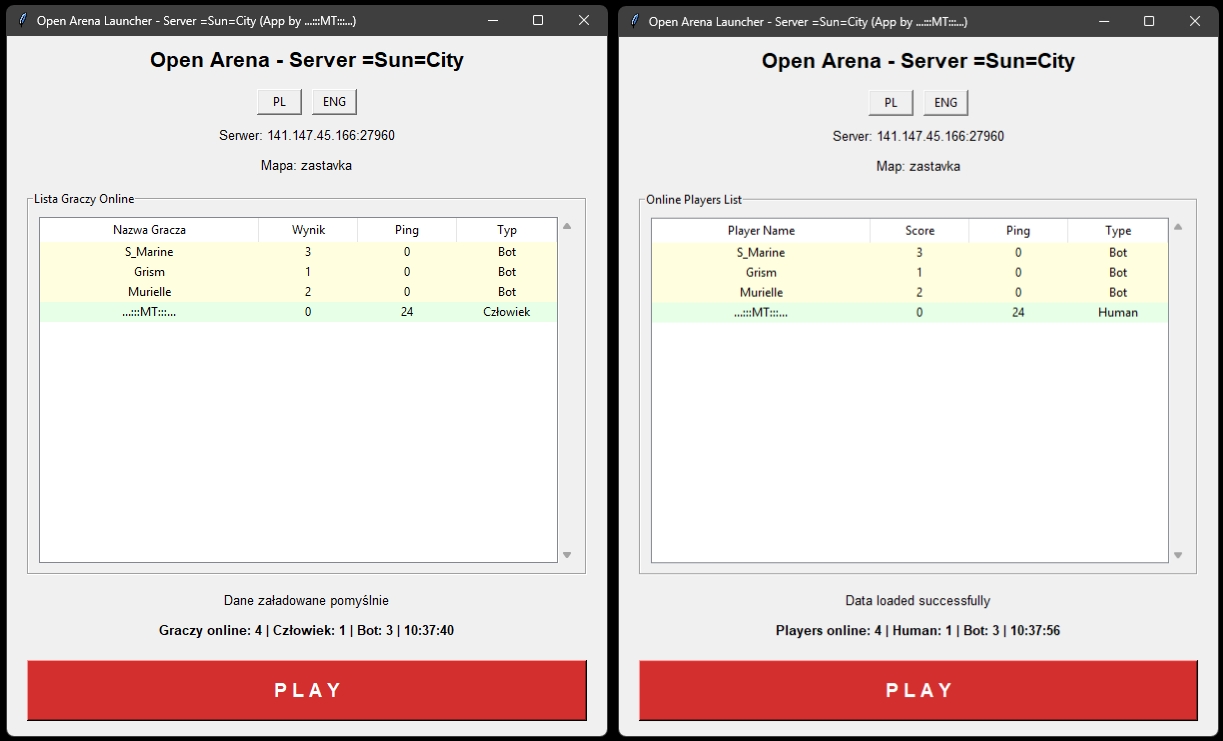
OPEN ARENA LAUNCHER - "Sun City"
A mini-program only for Windows, which will take you directly to the "Sun City" server of the Open Arena game (a free fork of Quake III Arena).
Instructions for use:
- 1) Download the game [OPEN ARENA].
- 2) Download my "launcher" and put it in the main game directory (where the "openarena.exe" file is located).
- 3) Run my "launcher" and you have access to the list of players on the server and the ability to enter the game.
PHP TEMPLATES
A collection of PHP template solutions that I applied on my home server (the one you are on now). If you want something similar on your server, please download:
- - Photo Gallery
- - 3D LiDAR Scans Gallery (supports *.glb files)
- - MP3 Music Player (sorry but the address is for my private purposes)
ARCHIVE X - What I used to do in the early 2000s:
Archive of my programs and games that I wrote in Turbo Pascal, Object Pascal (Borland Delphi) and Action Script (Macromedia Flash 5) programming languages. Some of these programs may no longer work on modern computers and Windows systems. Originally they were written for Microsoft Windows XP and older. Turbo Pascal programs were even written for Microsoft DOS! Antivirus programs, however, may mistakenly interpret them as something harmful (although they are not - there is nothing to fear).
Modifications to the game RED FACTION (a game from 1998) that I created around 2004/2005:
- Once upon a time, in the old days, when there were some of the first multiplayer servers, there was no control over users using prohibited (spoiling the fun for all players) modifications to the game. Then, as a teenager but already freshly adult, I thought to stir things up a bit on the servers. So I created various modifications to the Red Faction game. Thanks to these modifications, it was possible to shoot faster, penetrate through walls and even... penetrate into other players. So you could do things that were not normally possible.
The installation instructions for the modifications are simple. Just replace the Ui.vpp file in the main game directory (it's worth making a backup of the original file).
LINUX DISTRIBUTIONS - My compilations of Linux distributions based on original productions, but seasoned with my changes:
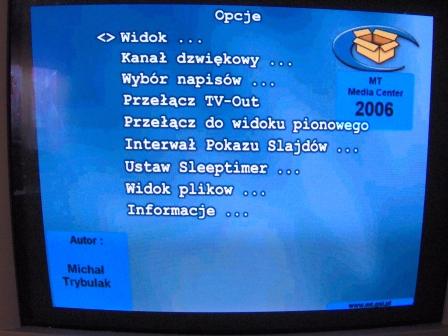
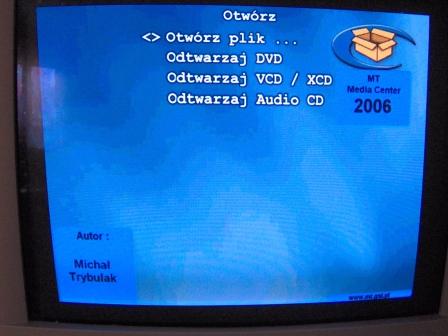
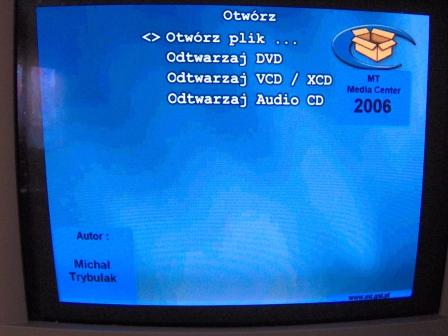
- MT Media Center 2006 - This is a Linux distribution based on GeeXbox. Originally it did not have the Polish language and several video codecs current at that time. The ISO image has only 11.5 MB and its presumed requirements are a computer at the level of Intel Pentium II 400 MHz, 64MB RAM and some simple graphics.
SCREENSHOTS: